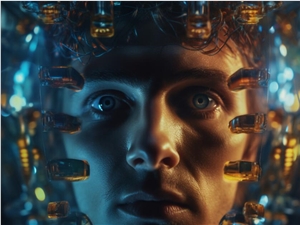
Meta AI Unveils New AI System to Decode Images of Brain Activity

站长之家
121
The Meta AI research team has recently unveiled a new artificial intelligence system capable of decoding, in real-time, the images perceived and processed by a subject's brain during scans using non-invasive magnetoencephalography (MEG) technology. This work builds on the team's previous achievements in decoding letters, words, and more from intracranial recordings, marking an early step in the company's ongoing quest to unravel the mysteries of the brain and develop brain-computer interfaces. Although pre-training on individual brain waves is still required, researchers suggest that this could serve as a stepping stone towards achieving non-invasive brain-computer interfaces in clinical settings, potentially aiding individuals with aphasia and others. The introduction of this new system has sparked extensive discussions within the industry about advancements in brain science technology and the potential applications of AI in the medical field.
This article is from AIbase Daily
Welcome to the [AI Daily] column! This is your daily guide to exploring the world of artificial intelligence. Every day, we present you with hot topics in the AI field, focusing on developers, helping you understand technical trends, and learning about innovative AI product applications.
—— Created by the AIbase Daily Team
© Copyright AIbase Base 2024, Click to View Source -